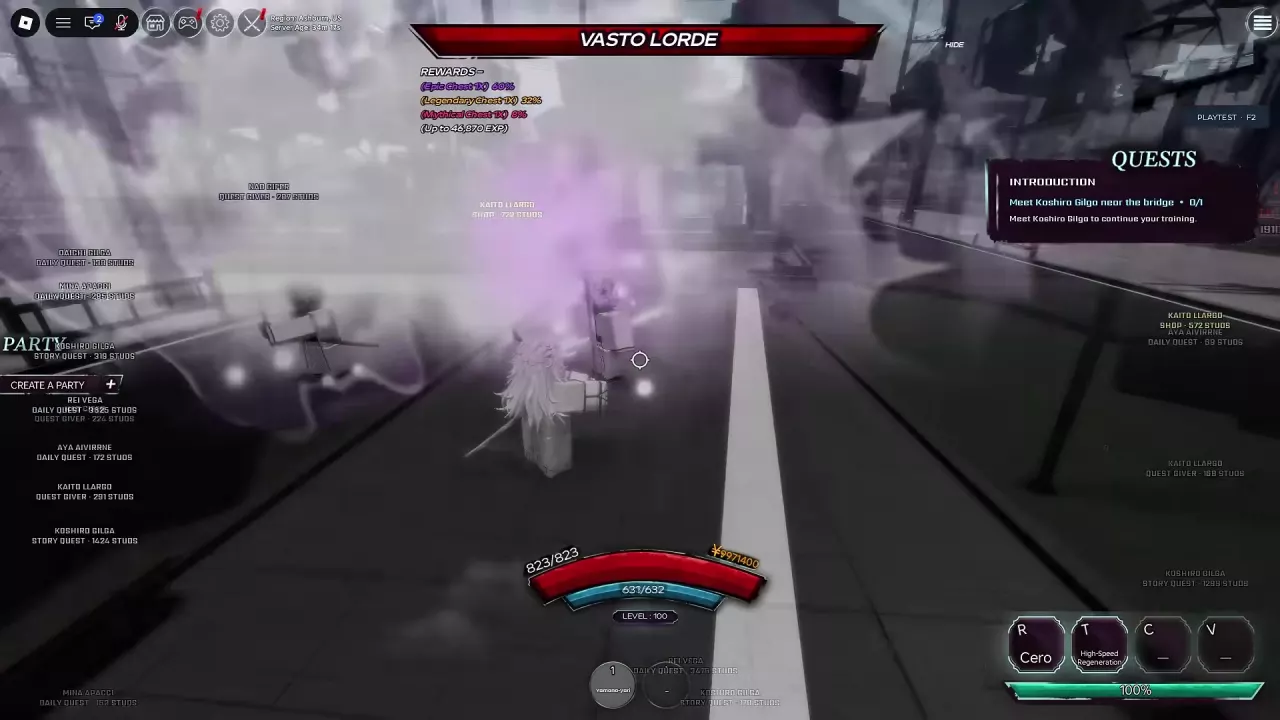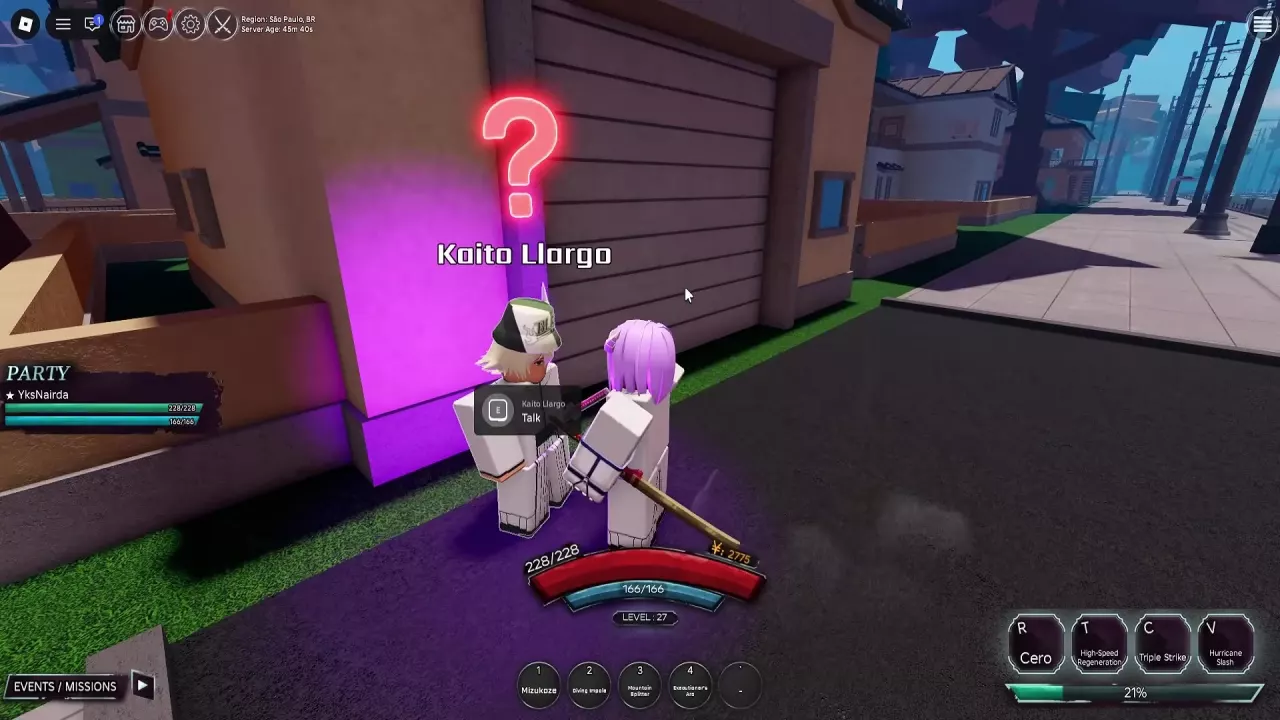
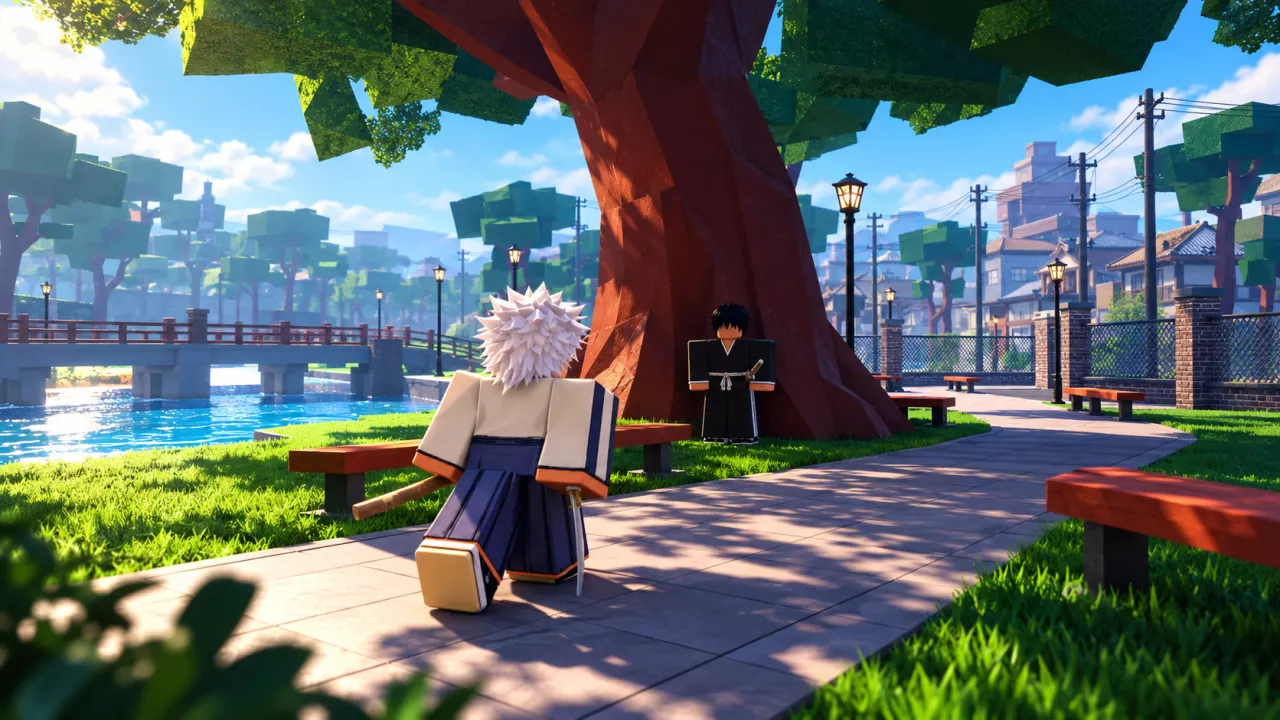
Press J to enter Sensory Mode. The view turns gray, characters can appear with purple auras, and NPC or service markers show their roles and distances in studs. Look for STORY QUEST, DAILY QUEST, QUEST GIVER and SHOP to identify the kind of destination you need.
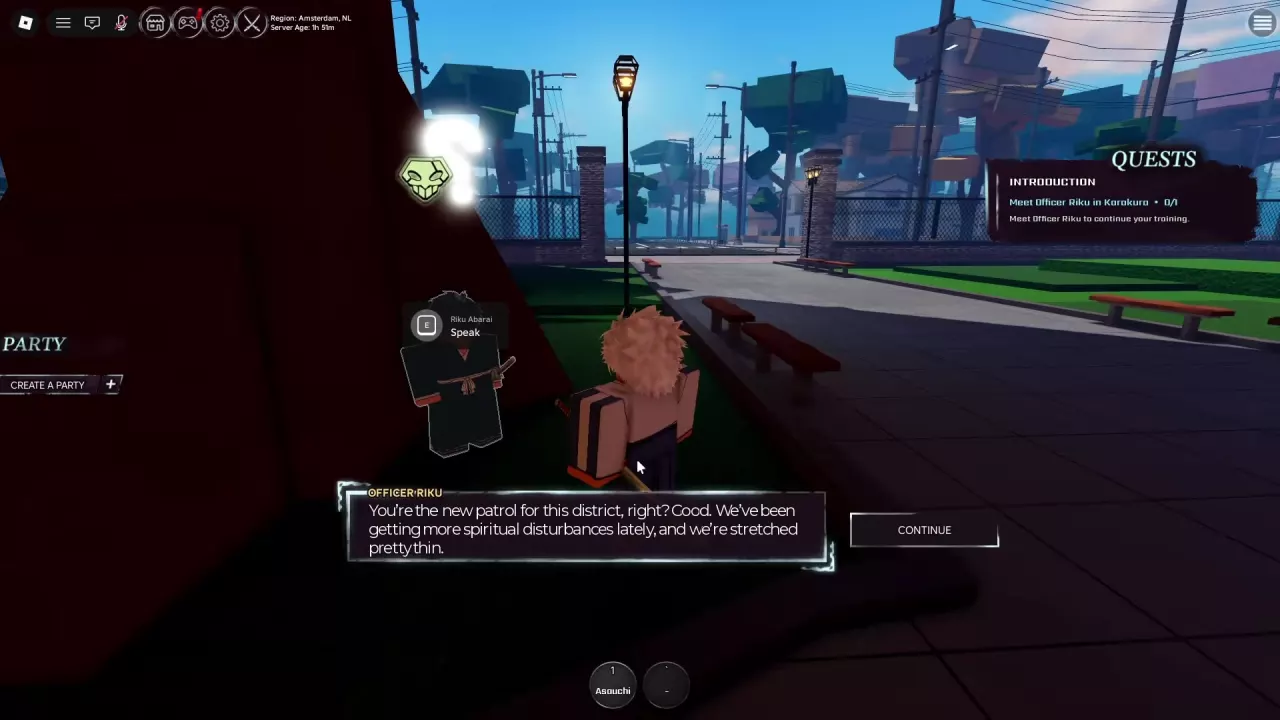
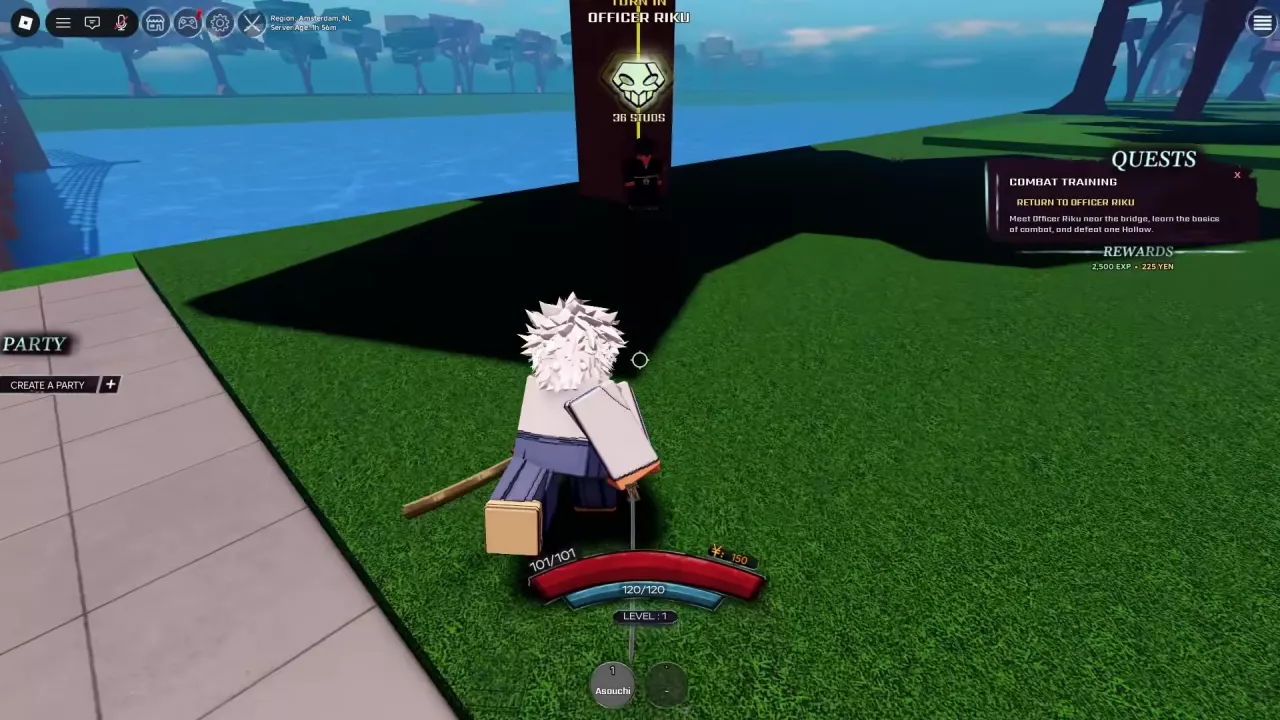
For a tutorial objective, read the quest tracker before choosing a marker. It tells you whether to meet an NPC, reach a training area or return after completing a task. During a return stage, follow TURN IN, the required NPC’s name and its distance readout. This is especially useful when several markers share an NPC name: the active objective points to the meeting place for your current stage.