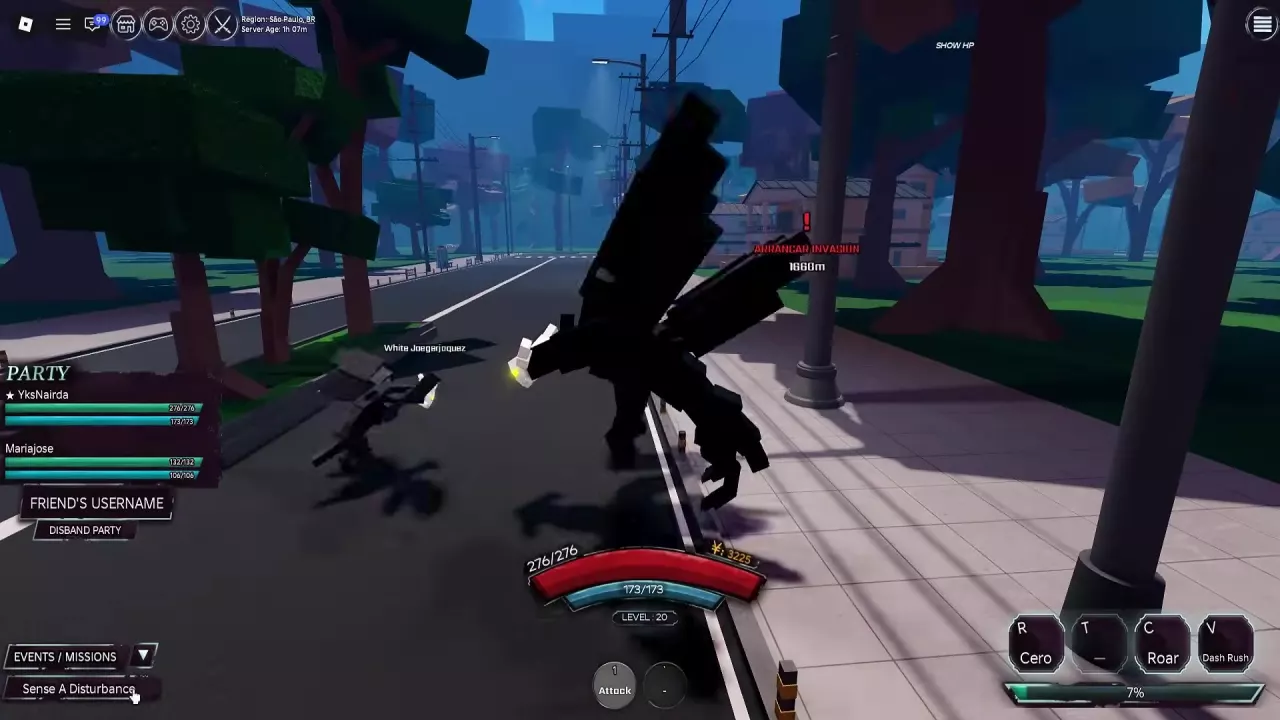

Look for the PARTY panel on the left side of the screen.
- CREATE A PARTY: the entry for starting a temporary group.
- Member list: shows your current teammates and their status bars.
- FRIEND'S USERNAME: the username field in the existing-party interface.
- DISBAND PARTY: the control for disbanding the group.
Use the member list to check who is already in your party before heading into an event.